About ClevTools

Practical browser tools built for creators, shops, and small teams.

ClevTools is built by Marc Palmer. The goal is simple: reduce the friction between messy visual work and clean output by making browser tools that are genuinely usable for real publishing, product, and planning workflows.

How ClevTools started

ClevTools started from everyday work that kept getting slowed down by awkward tooling: preparing image batches, cleaning up exports, planning launches, and trying to explain ideas clearly without hopping between too many apps.

That is why the product set now spans image conversion, browser-based relighting, visual whiteboarding, planning, and SEO support. The jobs are different, but they all come from the same kind of practical work.

ClevTools started from the same friction I kept running into in my own companies as a solo developer: preparing large batches of webshop images, cleaning up export sizes, handling SEO work, and trying to explain ideas visually to marketing teams without wasting days in scattered tools. That is where Easy Image Converter grew from, with batch conversion, editing before export, multiple export options, and precise control over image size down to pixel level. The same need for clearer collaboration led to Drawsy, not just as a drawing board, but as a place to map ideas, sketch workflows, upload references, and make decisions easier to share.

The aim is to keep the tools simple enough to open in a browser and start using, while still being useful for real product, content, and planning work.
Who the tools are for

Creators

People who need faster ways to plan ideas, prepare assets, and ship cleaner visuals without switching between too many tools.

Webshops

Stores that need reliable product imagery, quicker conversion workflows, and better-looking assets without bloated tooling.

Small teams

Teams that need visual planning, lightweight collaboration, and practical workflow support more than enterprise process overhead.

What the guides cover

Practical use cases

The guides focus on common jobs, decisions, and workflow questions that come up while using the tools.

Examples when they help

When a topic is easier to explain through a concrete example, that is how it is written.

Easy to apply

The idea is that you can read a guide, try it in the tool, and keep moving without overcomplicating the process.

How the tools are meant to be used

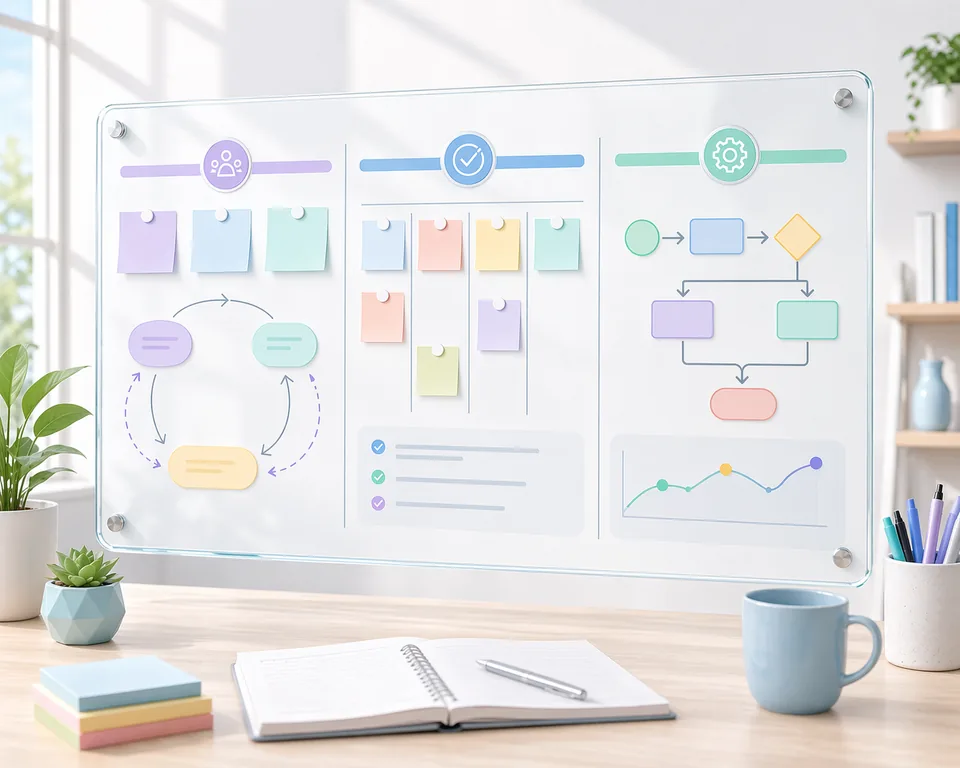
  • Drawsy is for early visual thinking, workshops, mapping, and content planning before the work is fully structured.
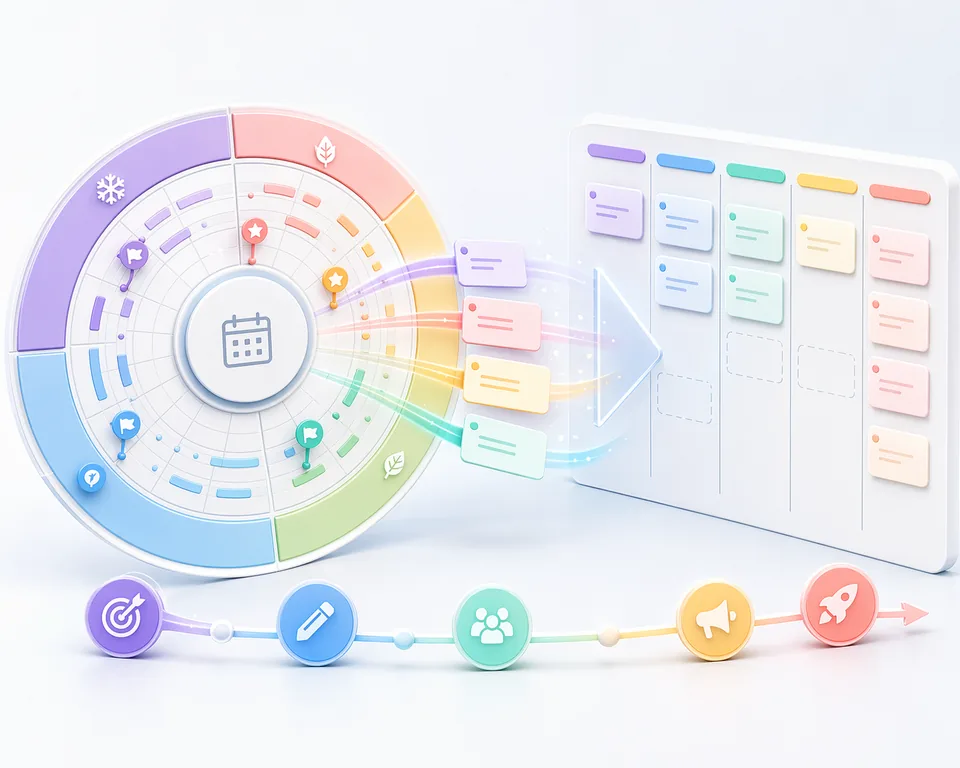
  • Planner is for active execution once work needs status, ownership, and timing, including both lane-based planning and longer yearly rhythms.
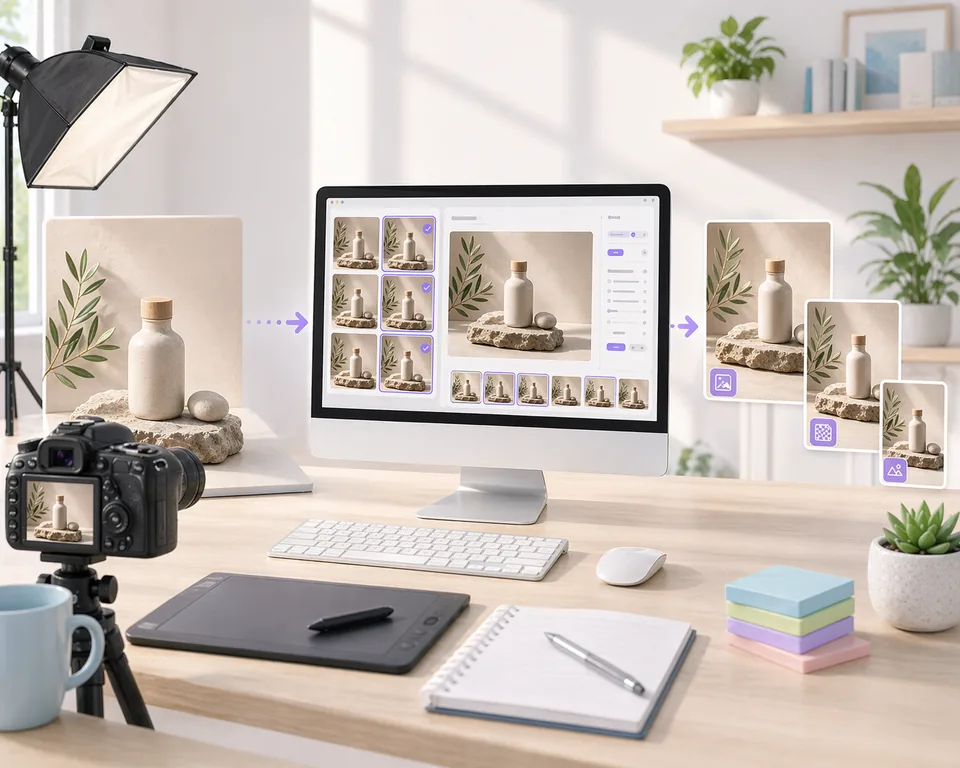
  • Easy Image Converter is for predictable asset exports, batch resizing, and format decisions that support real publishing destinations.
  • Re-Light Studio is for improving otherwise usable product visuals that need better focus, depth, or polish.
  • SEO Helper is for writing and reviewing metadata before it goes live, especially when titles and descriptions need to be checked quickly against real snippet constraints.

Explore the strongest guides first

A few good places to start if you want examples instead of poking around from scratch.

All guides