Drawsy
DesktopTablet
Drawsy
Free online whiteboard for planning, diagrams, and shared ideas. Sketch workflows, map concepts, build simple diagrams, and keep boards online without losing your structure or team context.
Bring ideas to life in Drawsy, organize the work in Planner, and keep your team moving in one simple workflow.
Creators who need practical planning, image prep, and publishing support without paying for a stack of heavyweight desktop tools.
Stores and operators who need cleaner product photos, faster export workflows, and more reliable asset prep for real channels.
Teams that need visual thinking, shared boards, and simple execution systems that help decisions move forward instead of getting buried in chat.
Public content
ClevTools is structured as a small, practical workspace with public explanations around the tools. The front page points to real workflows, the tool pages explain use cases, and the guides give enough context to help visitors make a decision before starting.
Each public tool page describes the practical problem it solves, the kind of workflow it supports, and the related guides that help visitors decide whether it fits their task.
The guide library gives examples, decision checklists, field notes, and common mistakes so the site is more than a launcher for browser utilities.
Visitors can read about the project, contact the owner, review privacy and terms, open public tools, and browse workflow help before signing in.
Why ClevTools exists
ClevTools is built for people who need to move from idea to finished work without juggling a pile of heavy tools for every step.
Some jobs start on a whiteboard, some need a planner, some need cleaner product images, and some need a faster SEO check before publishing. The tools are meant to cover those everyday workflow moments.
The guides are here to make it easier to pick the right starting point and move into the work with fewer dead ends.
Concrete use cases
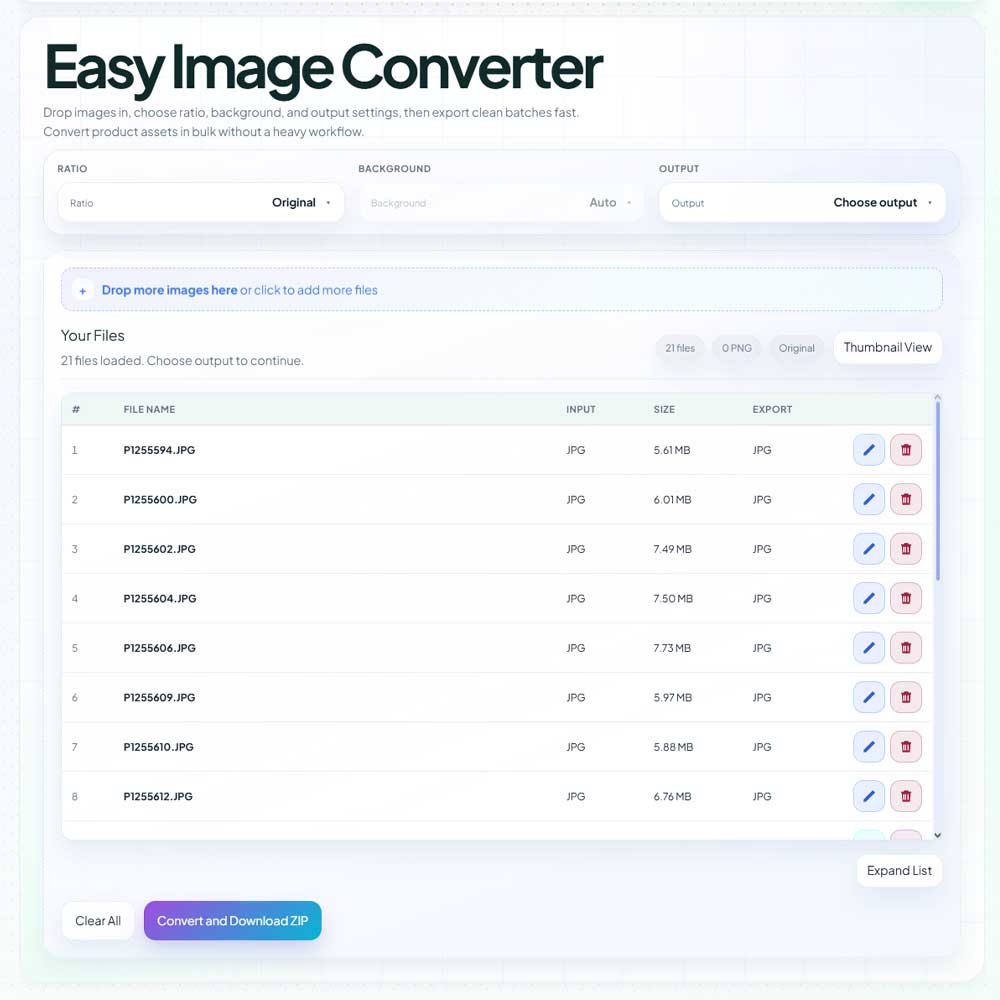
Convert, resize, and export one source set for webshop listings, blog content, and social posts without guessing dimensions every time.
Improve flat or underlit visuals with browser-based relighting so product photos look clearer, cleaner, and easier to read.
Map campaigns, brainstorm content, sketch flows, and get ideas into a clear structure before they turn into tasks.
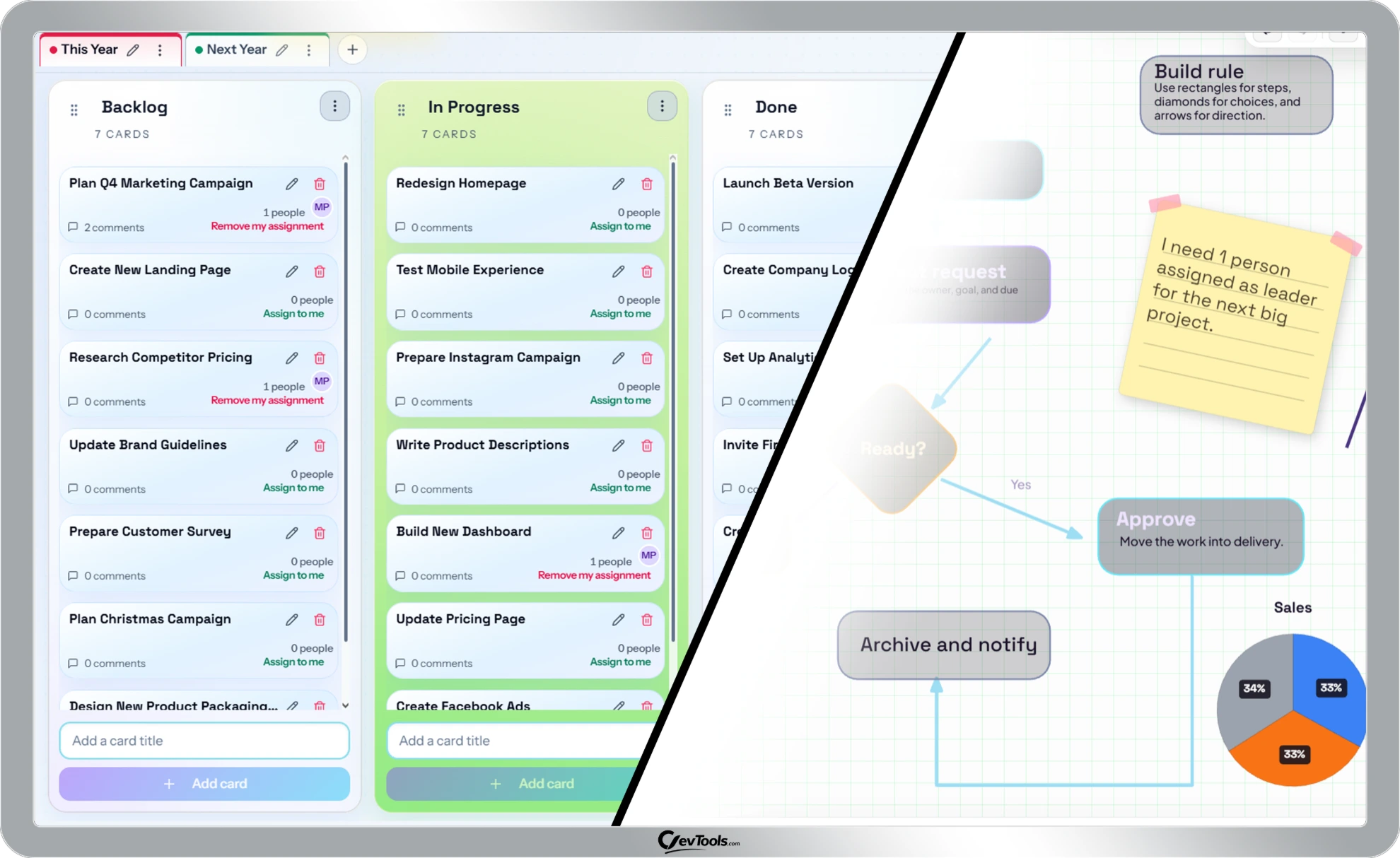
Move from messy planning into lane boards or year-wheel planning when the work needs ownership, timing, and collaboration.
Guides, workflows, and practical help
Read practical help on when to use each tool, how the tools fit into real workflows, and where to start if you want examples before you jump in.
Real workflows
Choose formats, batch export clean variants, and then polish selected visuals so the storefront looks consistent instead of improvised.
See the image workflowUse the whiteboard to map the work while it is still fuzzy, then move the approved plan into a weekly or quarterly execution system.
See the handoff guideFrame the timing on a year wheel, then keep the active work moving on a smaller planning board that the team can actually maintain.
See the planning rhythmStart with these guides
A practical guide to using ClevTools teams so people can work together on Drawsy and Planner boards, whether they are active at the same time or catching up later...
Read the guideA practical format guide for people who publish product shots, blog images, and campaign assets and need the right balance of quality, transparency, and file size...
Read the guideA whiteboard workflow for creators and small marketing teams who need a clearer planning phase before the calendar and tasks are locked...
Read the guideA practical weekly planning rhythm for teams that need more visibility than chat but less ceremony than a heavyweight project system...
Read the guide