Learning hub
Use relighting to improve clarity, not just drama
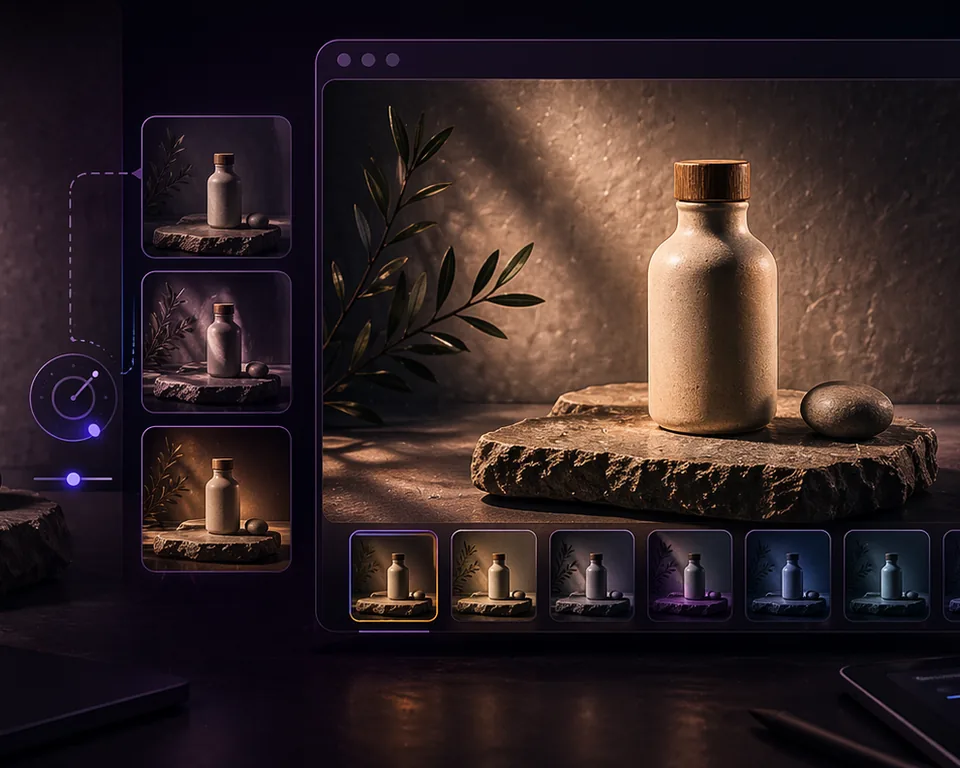
Re-Light Studio works best when the source image is already decent and only needs better focus, depth, or polish.
Best for
Product images that look flat or underlit.
Best for
Campaign visuals that need a cleaner focal point.
Best for
Teams improving existing images instead of reshooting everything.
Where browser relighting helps most
It is most effective on clean product photos, mockups, and controlled visuals where subtle light direction can improve readability and depth without changing the truth of the product.
What good relighting should look like
The result should feel cleaner and more premium, not obviously edited. Strong relighting guides the eye. Weak relighting leaves the image flat. Overdone relighting makes the product feel less believable.
Limitations you should respect
Relighting cannot repair blur, broken composition, or a badly exposed source file. It should improve an already usable image, not pretend a flawed source is production-ready.
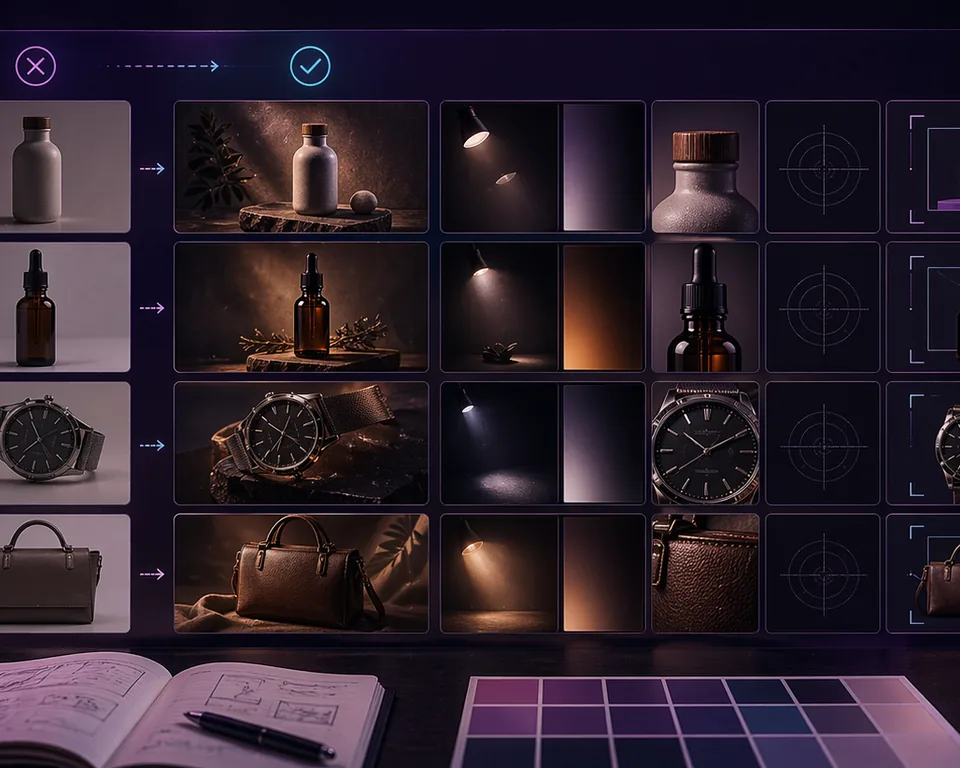
How to review before-and-after honestly
Check whether the product is easier to understand, whether the material still looks believable, and whether the result still feels grounded in reality when viewed inside a real page layout.