Drawsy
DesktopTablet
Drawsy
Online whiteboard for planning, diagrams, and shared ideas. Sketch workflows, map concepts, build simple diagrams, and keep boards online without losing your structure or team context.

Tool Overview
Compare the tools side by side, see what each one is best at, and jump into the guides if you want examples, workflows, and more detailed help before you choose.
How to choose and combine the tools
Compare the main use cases, read the most common questions, and see a few practical workflows that use more than one tool together.
Start with Easy Image Converter when export consistency, dimensions, or format changes are the main job.
Start with Re-Light Studio when the images are usable but still feel flat, weak, or underlit.
Start with Drawsy when the work is still exploratory and benefits from a flexible canvas.
Start with Planner when work needs ownership, stages, or a year-based planning view.
Use Drawsy when the work is still visual, exploratory, or loosely defined. Use Planner when the work has become concrete enough to assign, prioritize, and track.
Easy Image Converter is the stronger fit for export consistency and sizing, while Re-Light Studio is the stronger fit for improving depth, lighting, and visual presentation.
Yes. A team might plan visually in Drawsy, move approved work into Planner, prepare images with Easy Image Converter, polish selected visuals in Re-Light Studio, and check published metadata in SEO Helper.
Common ways people use the tools

Use the image guides to lock format, sizing, and batch-export decisions before the upload deadline becomes stressful...
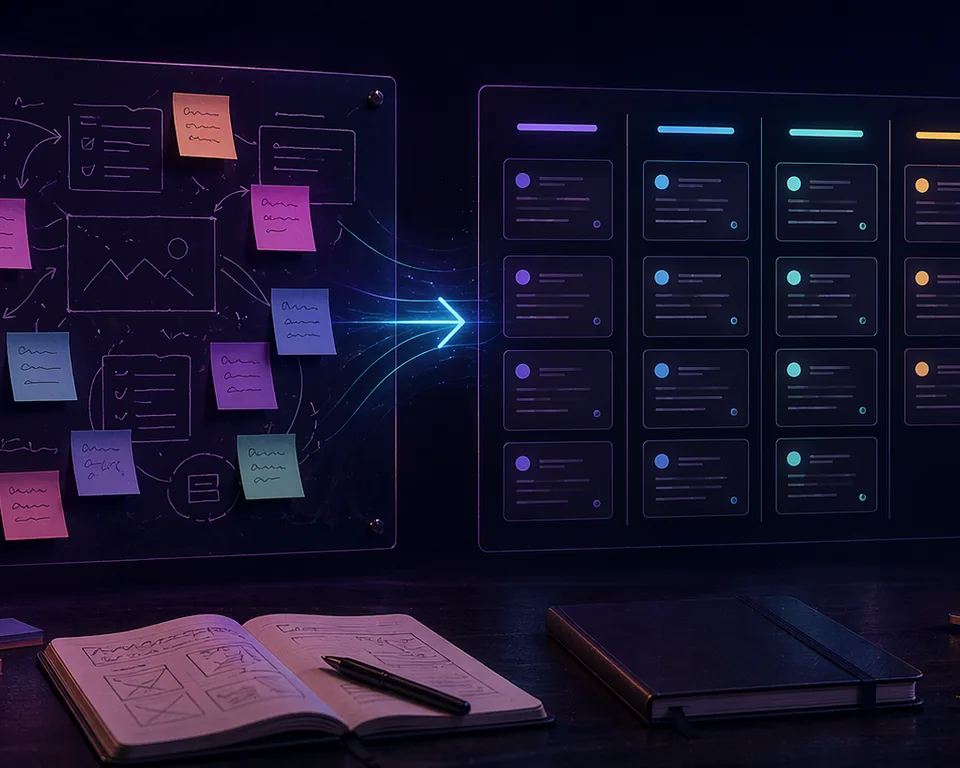
Use Drawsy for the rough thinking, then move the approved outcome into a planner structure once ownership and timing matter more...

Annual timing and weekly delivery answer different questions. The strongest setups usually keep both visible instead of forcing one view to do everything...
Guides by workflow
Start with the workflow that matches your situation, and then open the specific guide that helps with that next step.
Guides for file formats, export quality, batch conversion, and choosing image sizes that work across storefronts, blogs, and campaigns.
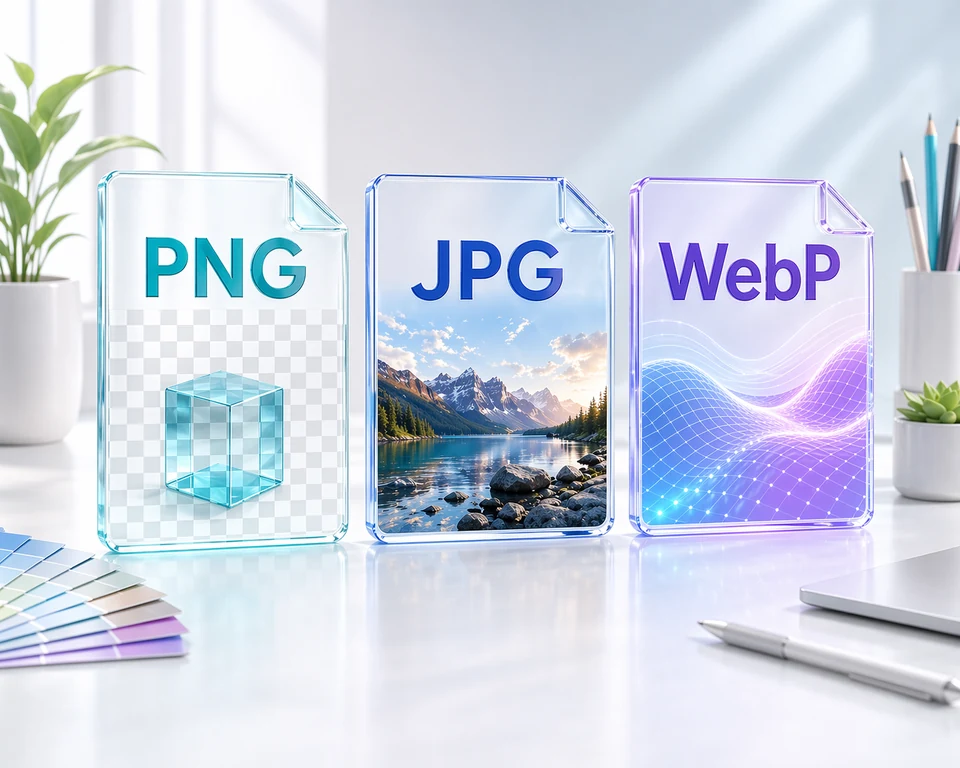
A practical format guide for people who publish product shots, blog images, and campaign assets and need the right balance of quality, transparency, and file size...
Stop re-exporting the same images over and over. This guide covers the small decisions that preserve quality when you batch convert at scale...
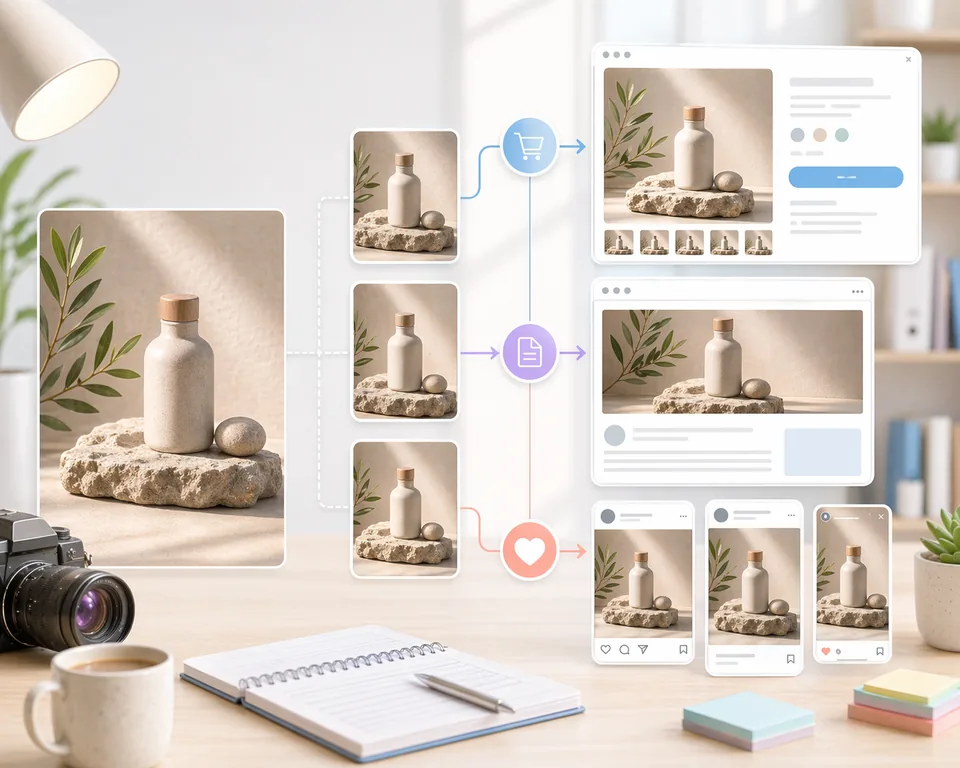
A destination-first sizing guide for teams who want fewer export mistakes and more consistent images across storefronts, articles, and social campaigns...
Guides for relighting, before-and-after evaluation, and making browser-based product visuals look cleaner and more believable.
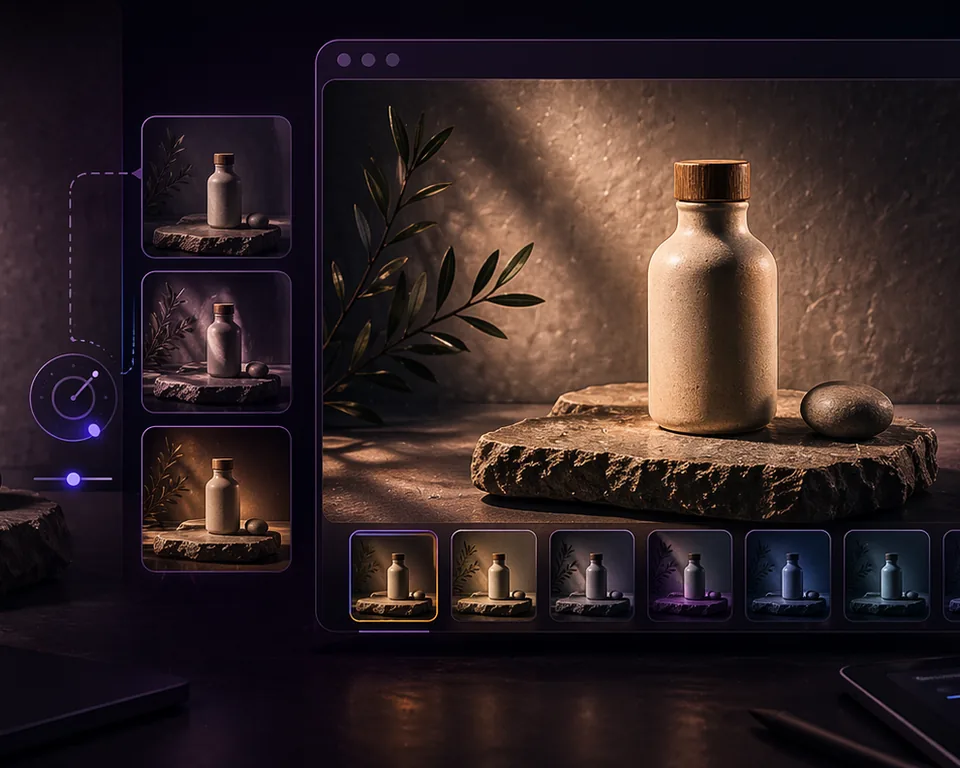
A practical guide for ecommerce teams and creators who want cleaner, more premium product visuals from existing photos...
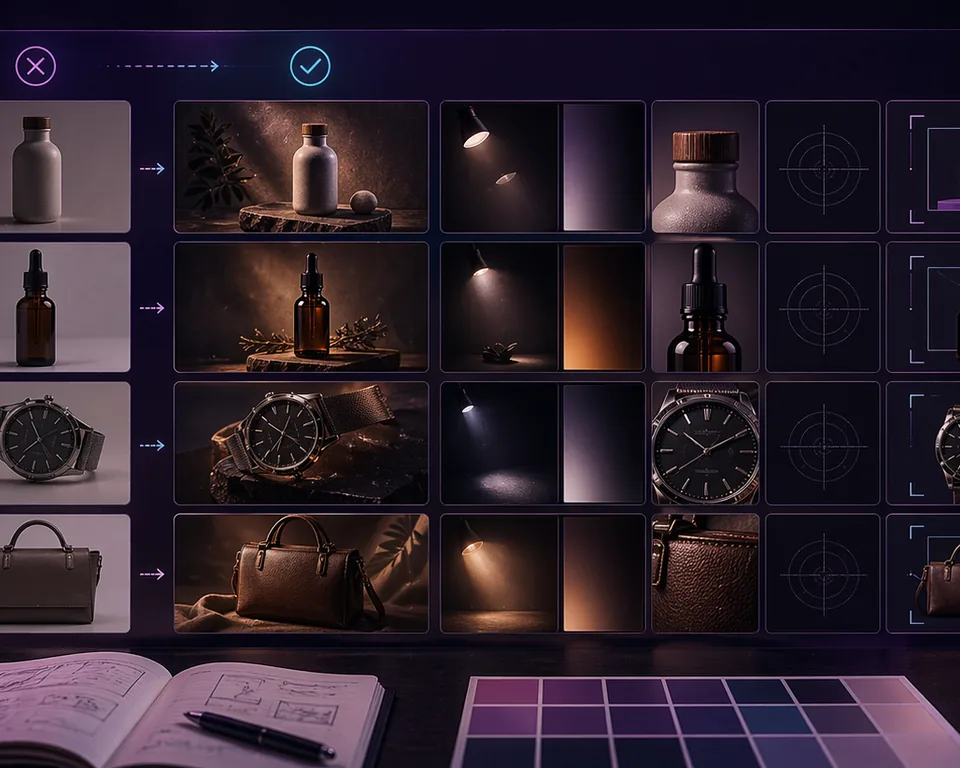
A review framework for teams who want to improve product visuals without overediting them...
Guides for visual planning, async review loops, and turning early whiteboard thinking into something a team can actually use.
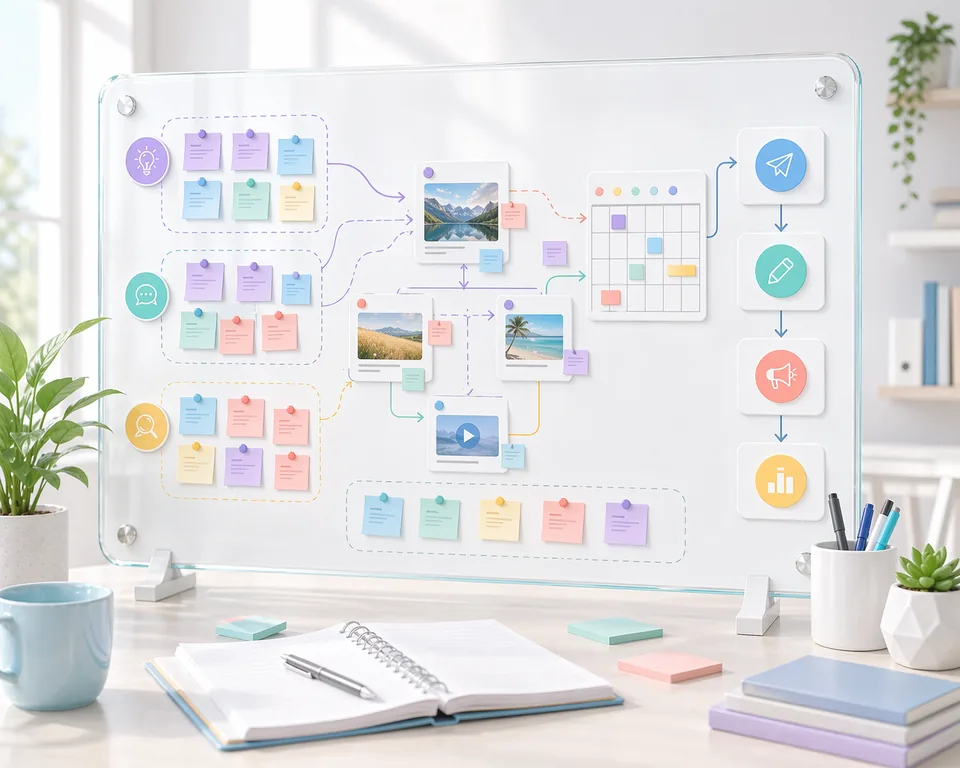
A whiteboard workflow for creators and small marketing teams who need a clearer planning phase before the calendar and tasks are locked...
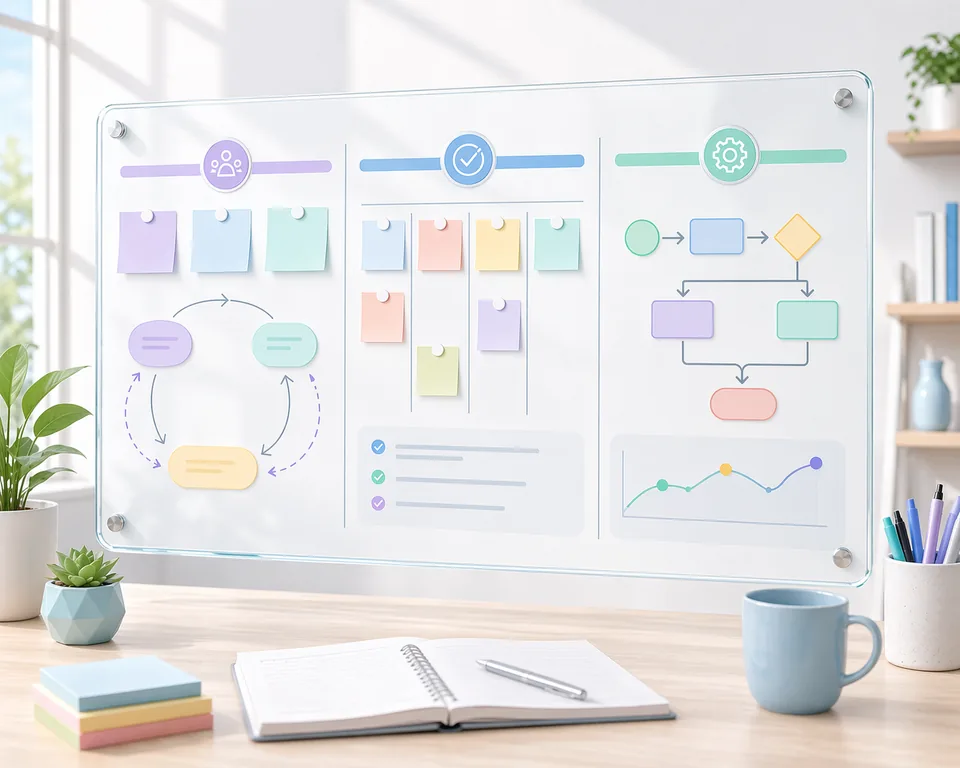
A practical guide for small teams that want the benefits of a whiteboard without the mess of an unstructured canvas...

A practical guide to using ClevTools teams so people can work together on Drawsy and Planner boards, whether they are active at the same time or catching up later...
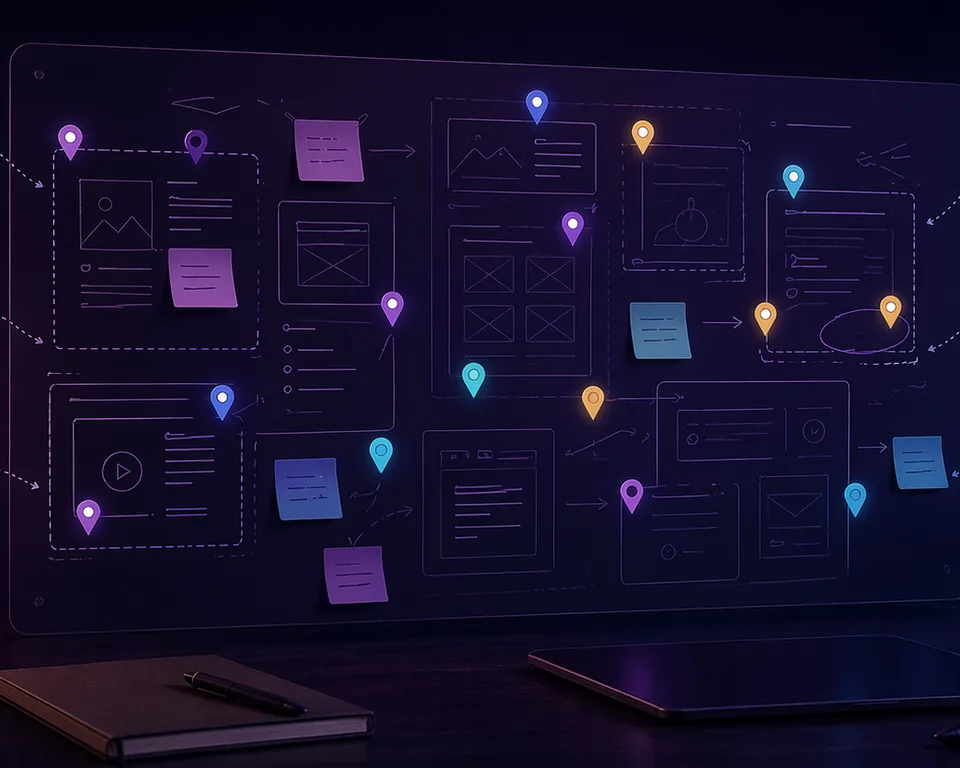
A lightweight review pattern for teams that want faster decisions without turning every update into a live call...
A practical handoff pattern for teams that brainstorm visually first and need a cleaner way to operationalize the outcome...
Guides for weekly execution, year-wheel planning, launch timing, and combining long-range planning with day-to-day delivery.
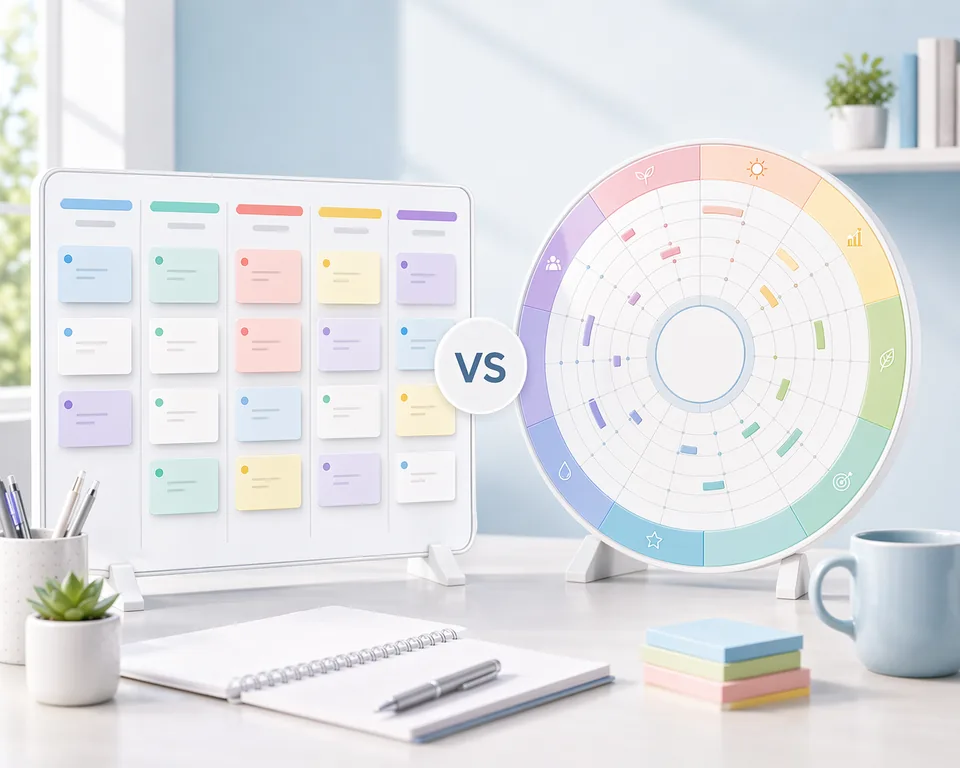
A practical comparison for teams and operators deciding whether they need a workflow board, a year wheel, or both...
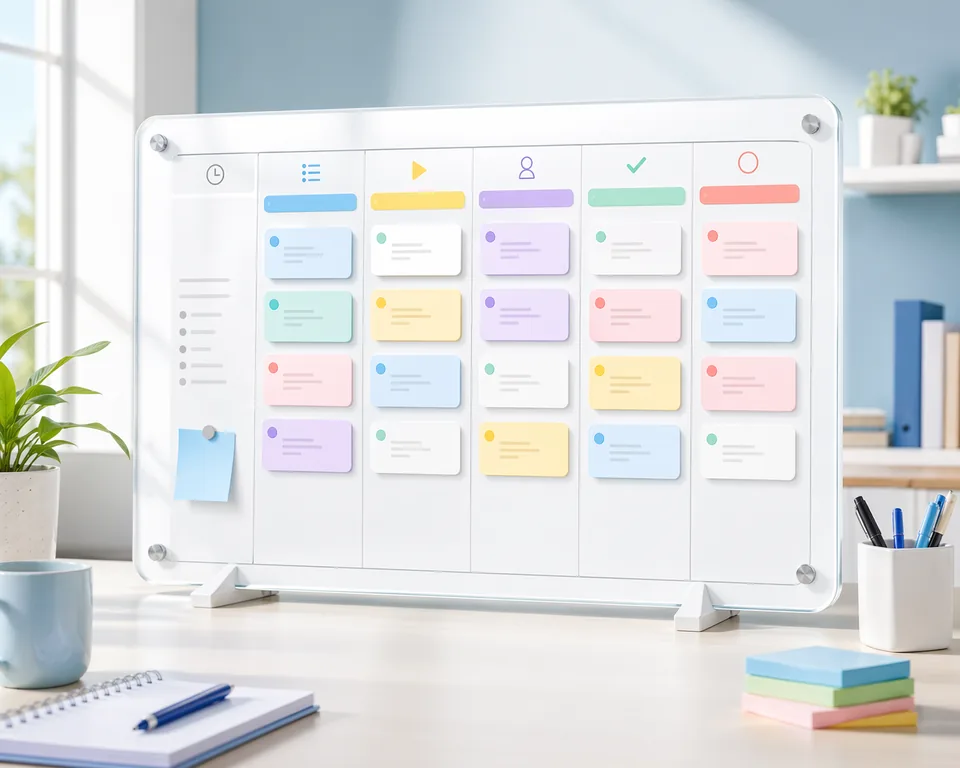
A practical weekly planning rhythm for teams that need more visibility than chat but less ceremony than a heavyweight project system...
A planning guide for teams that need a clearer long-range view of launches, campaigns, and recurring initiatives...
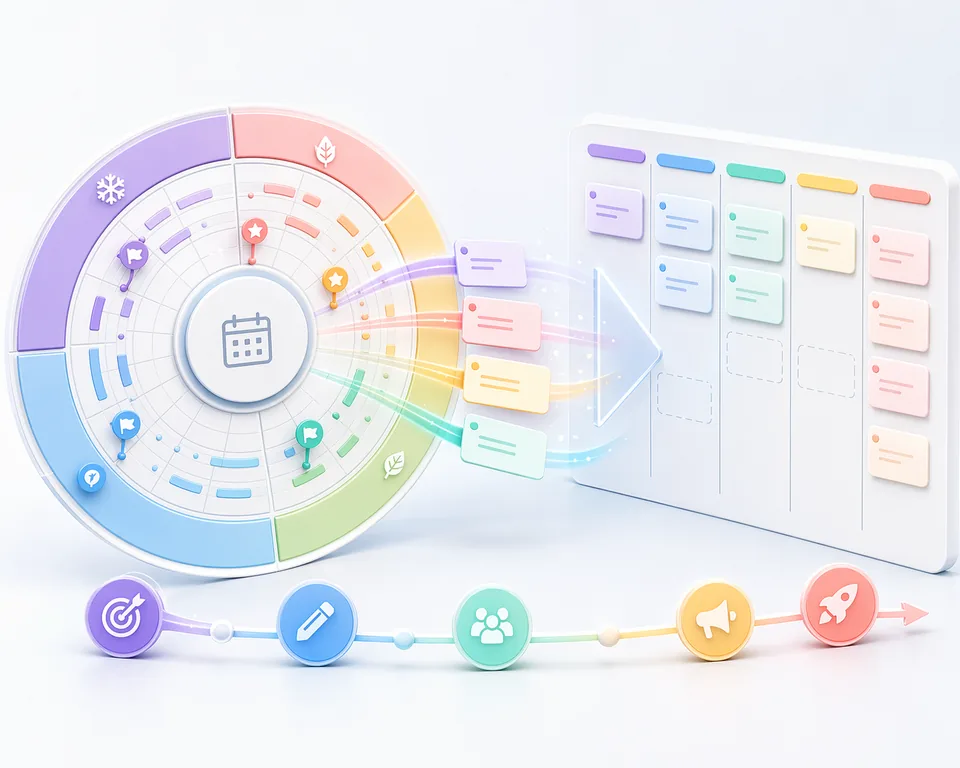
A practical planning rhythm for teams that need both long-range visibility and short-range execution without duplicating everything...