Learning hub
Build a cleaner image workflow around the converter
The converter is strongest when it is used as part of a repeatable publishing workflow, not as a random last-minute export step.
Best for
Webshops that need fast, consistent catalog exports.
Best for
Creators preparing one source set for multiple channels.
Best for
Teams that want format and dimension decisions to feel less ad hoc.
What the converter is best for
Use it when the main problem is speed and consistency: resizing large sets, changing output format, preparing square product images, or exporting platform-specific variants from the same source files.
When PNG, JPG, and WebP should change your workflow
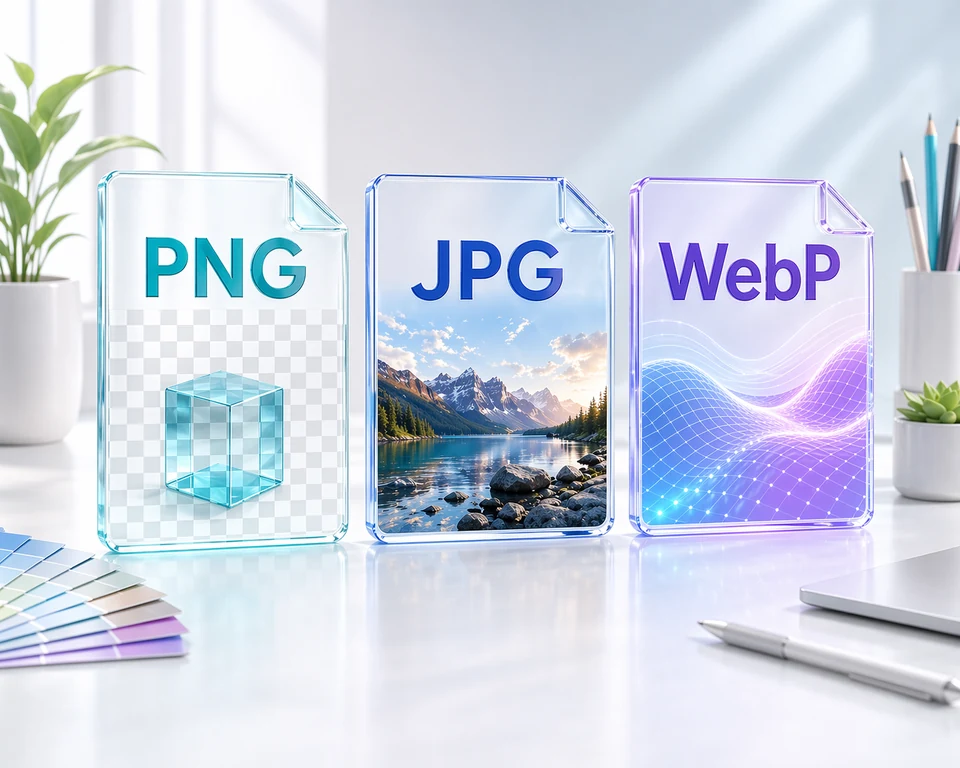
Format choice should follow the destination. Product photos often want JPG or WebP, while transparency-heavy assets need PNG. A converter becomes more useful when the team follows simple rules instead of guessing per file.
Why previewing a small sample matters
Batch conversion is fast enough that people often skip sample review. That is exactly how quality mistakes spread through a whole export run. Review five images before you run the full batch.
Common troubleshooting signals
If the output looks soft, the source may already be too small. If backgrounds feel wrong, the forced ratio or background treatment probably needs changing. If files are still heavy, the issue is often format choice rather than dimensions alone.