
Ways to use Drawsy
Drawsy works best when ideas are still rough and visual
Open Drawsy when a task board feels too rigid and you need room to sketch, group, compare, and talk things through.
Good fit for
- Content planning, campaign mapping, and rough early structure.
- Small-team workshops, async feedback, and shared visual notes.
- Simple diagrams, concept boards, and side-by-side ideas.
Start here when the work is still fuzzy
Drawsy is a better fit than a task board when the team is still figuring out the shape of the work, comparing options, or trying to see the whole thing in one place.
A good fit for creators and small teams
It is especially useful for content planning, launch sketches, workshop notes, flow diagrams, and other work that needs a visual pass before anyone starts assigning tasks.
Keep the board from turning messy
Give each board one clear purpose, split it into simple zones, and move finished decisions out once people agree on what should happen next.
Move finished ideas into execution
Once the plan is clear, shift the approved work into Planner or another task layer. Drawsy is strongest before the work needs statuses, owners, and deadlines.
Related guides
Need a few examples before you start?
These guides cover content planning, async reviews, and when it makes sense to move from a whiteboard into Planner.
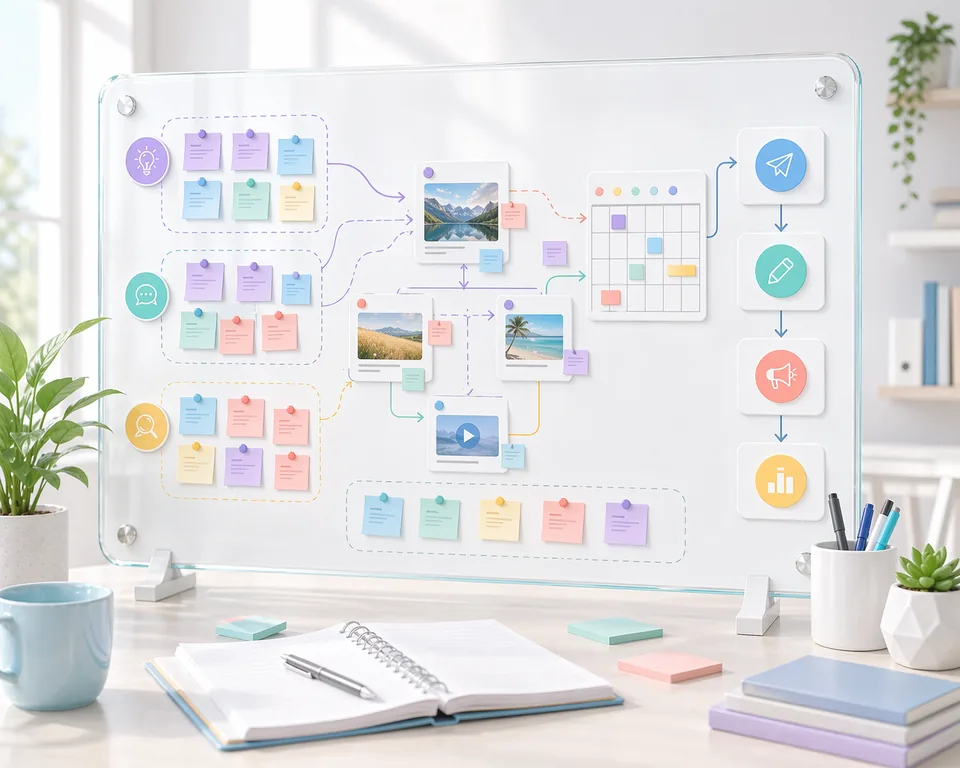
How to use an online whiteboard for content planning
A whiteboard workflow for creators and small marketing teams who need a clearer planning phase before the calendar and tasks are locked...
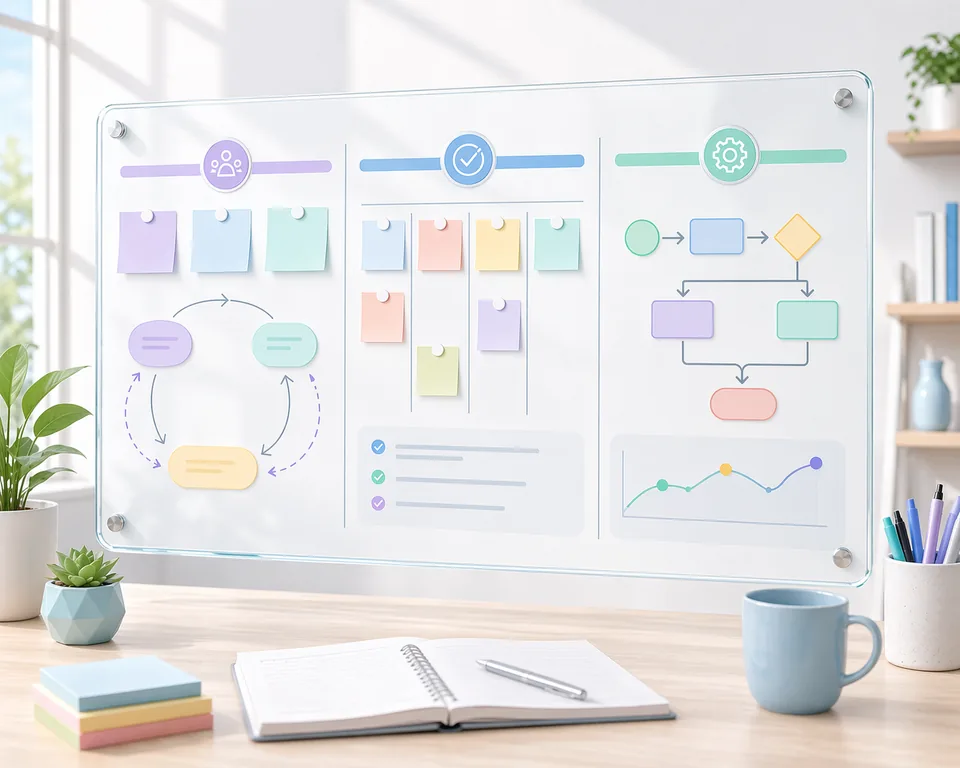
Whiteboard workflows that actually help small teams move faster
A practical guide for small teams that want the benefits of a whiteboard without the mess of an unstructured canvas...

Async whiteboard reviews for small teams: a simple review pattern that sticks
A lightweight review pattern for teams that want faster decisions without turning every update into a live call...

How to move from a whiteboard into a real execution plan
A practical handoff pattern for teams that brainstorm visually first and need a cleaner way to operationalize the outcome...

How to use teams for Drawsy and Planner collaboration
A practical guide to using ClevTools teams so people can work together on Drawsy and Planner boards, whether they are active at the same time or catching up later...