
Overview
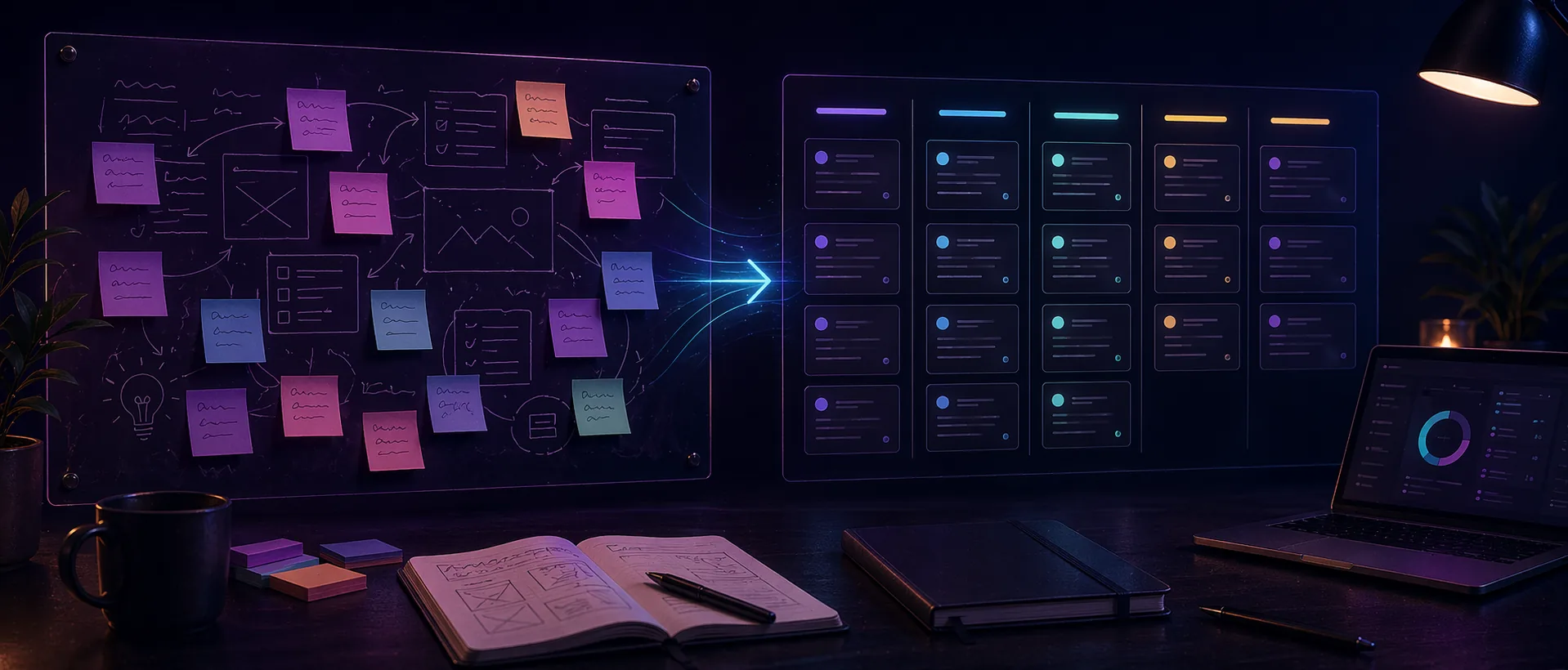
Whiteboards are excellent for shaping ideas, but the exact thing that makes them useful at the beginning can make them weak later. Once a team needs owners, timing, and progress signals, a board full of loose notes becomes more confusing than helpful.
The handoff from whiteboard to planner is where many teams lose momentum. If it happens too early, the work gets reduced before it is understood. If it happens too late, the team keeps revisiting an already-made decision instead of moving the work forward.
Practical handoff notes
The handoff from whiteboard to planner is where many good ideas become vague tasks. The whiteboard may show the thinking, but the planner needs ownership, status, next action, and enough context for someone to move the work forward.
A clean handoff does not copy the whole board into tasks. It extracts the decisions that survived discussion and turns them into work that can be assigned, sequenced, and reviewed.
Keep the original board linked or easy to find. The planner should not carry every sketch and discussion thread, but people may still need the reasoning behind a decision later.
Before creating planner tasks
- Identify which ideas are approved, rejected, or still undecided.
- Write each task as an action, not as a vague topic.
- Add the owner, expected outcome, and any key dependency.
- Keep a link or note back to the source board for context.
Who this is for
- Marketing and product teams that ideate visually before they execute.
- Small teams that use a whiteboard for launches, campaigns, or process drafts.
- Anyone trying to preserve context while still moving into a more structured workflow.
Step-by-step guidance
Step 1
Mark what is still thinking and what is now approved
Before you move anything, separate exploration from decisions. Highlight the notes, clusters, or flows that are now approved enough to become real work. This protects the planner from filling up with half-decided ideas.
Step 2
Convert clusters into deliverables, not screenshots
Do not move raw sticky notes one by one into a planner. Translate the approved cluster into an actual deliverable, milestone, or work package first. That produces a cleaner execution layer and avoids meaningless task noise.
Step 3
Carry the board link forward as context
The whiteboard should not disappear after the handoff. It remains useful as background context, especially for new collaborators or for anyone who needs to understand why the plan looks the way it does.
Step 4
Review the handoff one week later
A quick review after the first week reveals whether the planner structure actually matches the work. If tasks feel too vague or too fragmented, refine the execution layer instead of blaming the whiteboard.
A reliable handoff pattern
After a planning board is approved, create one planner card per real deliverable. Use the card description for the outcome and the checklist for smaller steps, rather than creating a separate card for every tiny note from the board.
Then archive or label the whiteboard as decided. That prevents people from continuing to treat the brainstorming surface as the live source of truth once execution has started.
Comparison or example section
A weak handoff copies the mess into another tool. A strong handoff turns the board into decisions, then turns those decisions into owned work.
The value of the whiteboard is the context. The value of the planner is execution clarity. The handoff should preserve the first while improving the second.
Mistakes to avoid
- Moving every sticky note directly into a planner as if it were already a task.
- Deleting or ignoring the whiteboard once the execution board exists.
- Handing off before the team has actually agreed on what matters.
- Never revisiting whether the new plan structure reflects the real work.
Ways to use Drawsy
Drawsy works best when ideas are still rough and visual
Open Drawsy when a task board feels too rigid and you need room to sketch, group, compare, and talk things through.
Best for
- Content planning, campaign mapping, and rough early structure.
- Small-team workshops, async feedback, and shared visual notes.
- Simple diagrams, concept boards, and side-by-side ideas.
How to use it well
Start here when the work is still fuzzy: Drawsy is a better fit than a task board when the team is still figuring out the shape of the work, comparing options, or trying to see the whole thing in one place.
A good fit for creators and small teams: It is especially useful for content planning, launch sketches, workshop notes, flow diagrams, and other work that needs a visual pass before anyone starts assigning tasks.
Keep the board from turning messy: Give each board one clear purpose, split it into simple zones, and move finished decisions out once people agree on what should happen next.
Move finished ideas into execution: Once the plan is clear, shift the approved work into Planner or another task layer. Drawsy is strongest before the work needs statuses, owners, and deadlines.
FAQ
When is a whiteboard ready to hand off?
When the main decisions are clear enough that the next step is ownership and sequencing rather than more exploration.
Should every whiteboard end in a planner?
Not always. Some boards are workshops or reference maps, but boards tied to active execution usually benefit from a structured follow-up system.
What should move over first?
Move the approved outcomes, milestones, and deliverables first. Keep the exploratory detail on the whiteboard as context.