
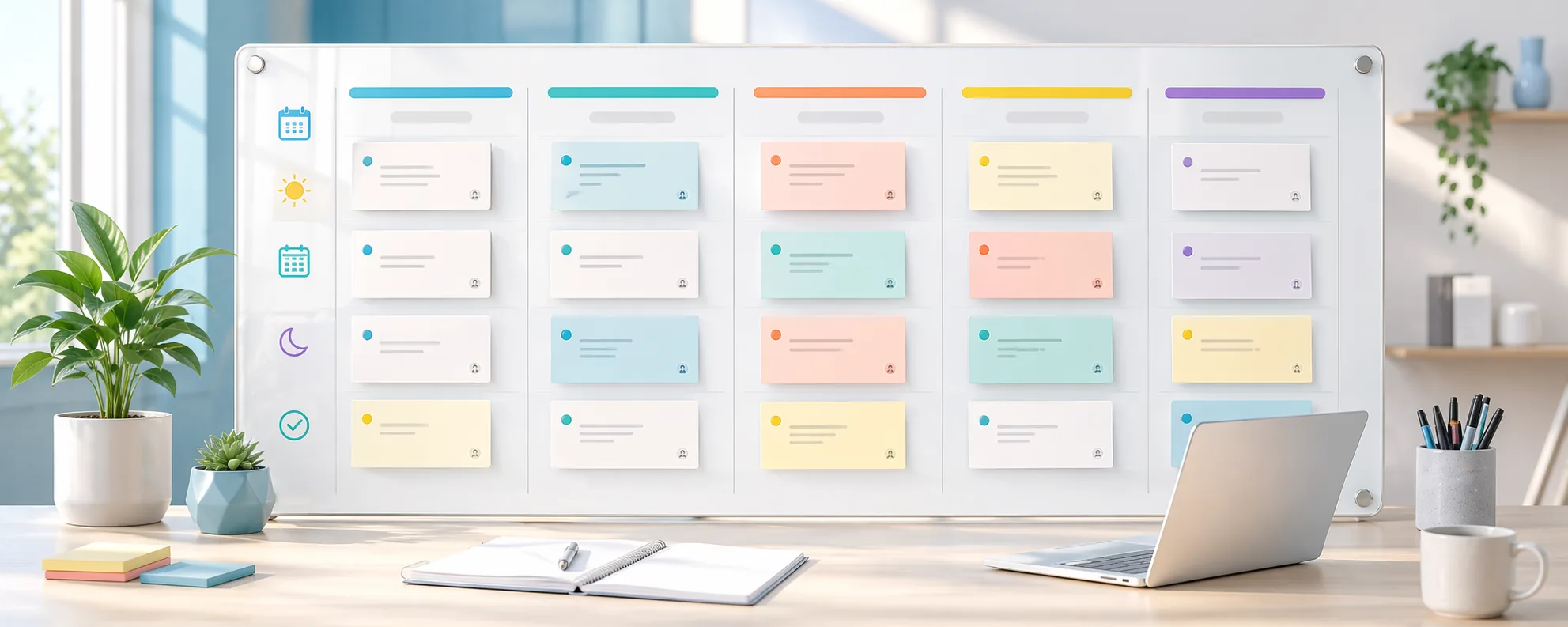
Overview
Weekly planning often turns into one of two bad extremes: either the team has no shared view of what matters this week, or it spends so much time talking about the board that the board itself becomes the work.
A useful weekly planning board should reduce status noise, not create it. The job of the board is to make priorities, blockers, and ownership visible enough that people need fewer meetings to understand what is happening.
Practical weekly-planning notes
A weekly planning board should reduce repeated status conversations. If the board is doing its job, people can see what is planned, what is active, what is blocked, and what needs a decision before they ask for another meeting.
The board should stay small enough to reflect the week. Long-range ideas belong somewhere else until they are close enough to need ownership and movement.
A good weekly rhythm also includes cleanup. Finished work should leave the active view, blocked work should have a next step, and vague cards should either be clarified or removed.
Weekly board review
- Start with blocked work before adding new work.
- Limit active cards so the board reflects real capacity.
- Give every card a clear next action or owner.
- Close the week by moving finished work out of the way.
Who this is for
- Small teams managing active delivery every week.
- Operators who want a simpler rhythm than a full project-management process.
- Teams trying to replace repeated status calls with clearer board hygiene.
Step-by-step guidance
Step 1
Keep the weekly board focused on current work only
A weekly board should not become a lifetime archive. Pull only the work that is relevant now, keep the columns simple, and make it obvious what counts as this week versus later.
Step 2
Assign one owner for each active card
Shared ownership is often invisible ownership. The board becomes more actionable when each active item clearly belongs to one person, even if several people contribute around it.
Step 3
Use the board to surface blockers early
If a task is waiting on feedback, files, approval, or another team, mark that clearly instead of pretending it is still simply in progress. Weekly planning gets better when blocked work is visible fast.
Step 4
End the week by pruning, not hoarding
Archive what is done, move unfinished work intentionally, and tighten the next week before it starts. A clean reset keeps the weekly board readable and easier to work from.
A simple Monday-to-Friday rhythm
On Monday, confirm priorities and move only realistic work into the active lane. Midweek, review blockers and decide whether anything needs to be paused or reassigned.
On Friday, clear completed work and write down unresolved decisions. That gives the next week a cleaner starting point and prevents old uncertainty from slowly filling the board.
Comparison or example section
A noisy weekly process keeps repeating updates that nobody remembers. A clean weekly board makes the current plan visible enough that meetings can focus on decisions instead of recap.
Mistakes to avoid
- Leaving old work on the weekly board until it becomes impossible to scan.
- Using vague ownership such as an entire team name.
- Treating blocked work as active progress.
- Rebuilding the board from scratch every week without learning from the last cycle.
Planning help
Use the planning view that matches what you are doing
Planner works best when active work and longer-range timing are treated as two different jobs instead of being forced into one board.
Best for
- Teams managing ongoing execution in stages.
- Operators who need to plan annual campaigns or recurring programs.
- People who want a cleaner split between strategy timing and current workload.
How to use it well
Use lanes for work that is moving now: Choose the lane-based view when the important questions are what is next, what is blocked, and who owns the active work.
Use the year wheel for timing: Choose the year wheel when spacing, seasonality, launches, and recurring cycles matter more than day-to-day status updates.
Let the two views do different jobs: The year wheel gives you the bigger timing picture, while the lane planner handles the work that is actually in motion this week.
Keep weekly planning tied to the bigger plan: A simple rhythm works best: check the year view when you need timing context, then use the weekly board to run the work that is currently live.
FAQ
How many columns should a weekly planning board have?
Usually fewer than people think. The board works best when it shows just enough status to support decisions rather than every theoretical state.
Should backlog items live on the same board?
Only if they stay clearly separated from the current week. The board loses value when future ideas crowd out present commitments.
What is the main benefit of this kind of board?
It reduces ambiguity around what matters now, who owns it, and what is blocked before the week gets away from the team.